Turn your footage into a focused clip.
Trim a local video to the moment that matters and export a WebM clip. Prepare a short product introduction, campaign highlight or brand update to share with your audience.
Edit a video ↗
AI-powered graphic design, content creation and professional website building.
Describe what you want, then refine it using AI and editing tools.
A glimpse of what’s possible. Illustrative creative examples.
Turn your ideas into brand assets, visual content and professional websites. Describe your direction, explore logo concepts and website drafts with AI, then refine the results using editing tools. Built for designers, developers, agencies and freelancers.
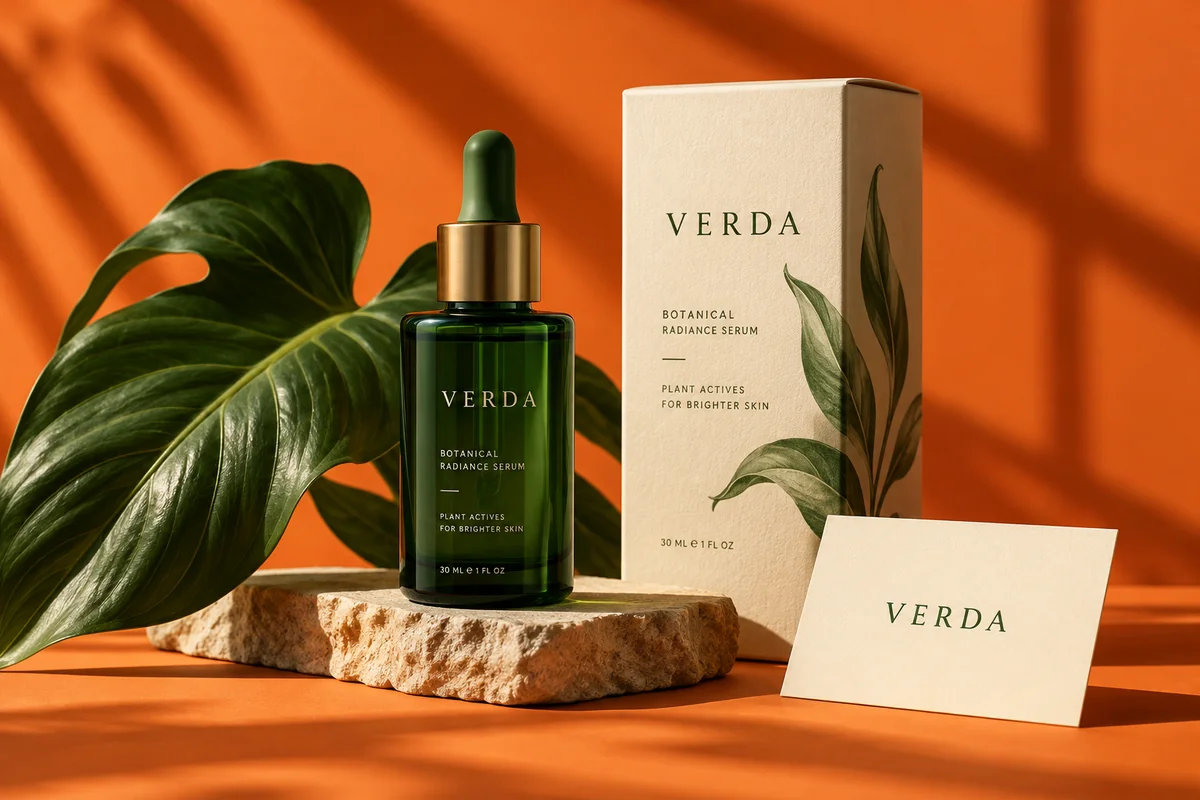
Describe the logo you have in mind, from your brand personality to the style you love. Explore ideas with AI, then refine the colors, typography and details with editing tools.
Keep your creative judgment at the center. Make something that feels unmistakably yours.
Explore AI logo design PHOTO & CONTENT EDITING
Fine-tune light, color and composition. Crop, resize, apply filters and prepare your images for websites, social posts and campaigns.
From a quick touch-up to your next visual direction, bring every detail into focus.
Open the photo editor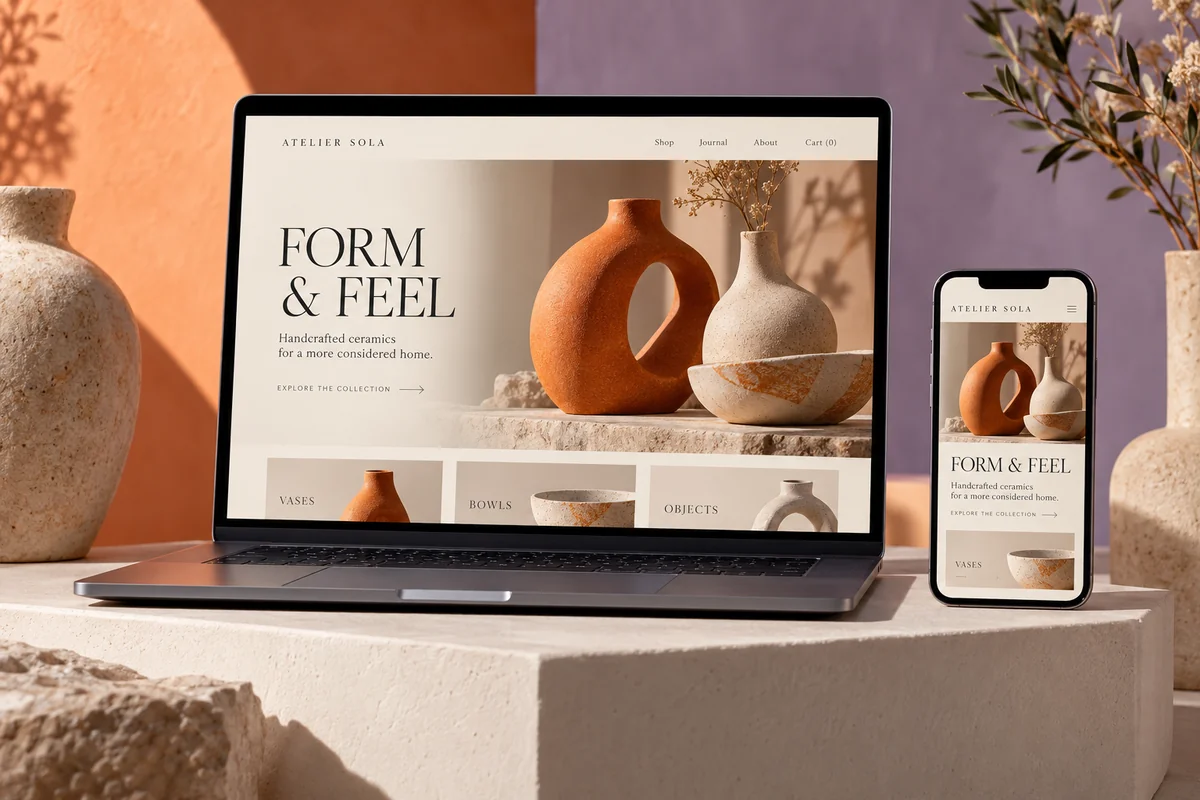 One vision. Every screen. WEBSITE DESIGN
Describe your business and let AI create a first website draft. Shape the layout, text, images and brand styling in the visual editor, or start with a template and make it yours.
Review responsive previews for desktop, tablet and mobile, then prepare your pages to share.
Build a website with AITrim a local video to the moment that matters and export a WebM clip. Prepare a short product introduction, campaign highlight or brand update to share with your audience.
Edit a video ↗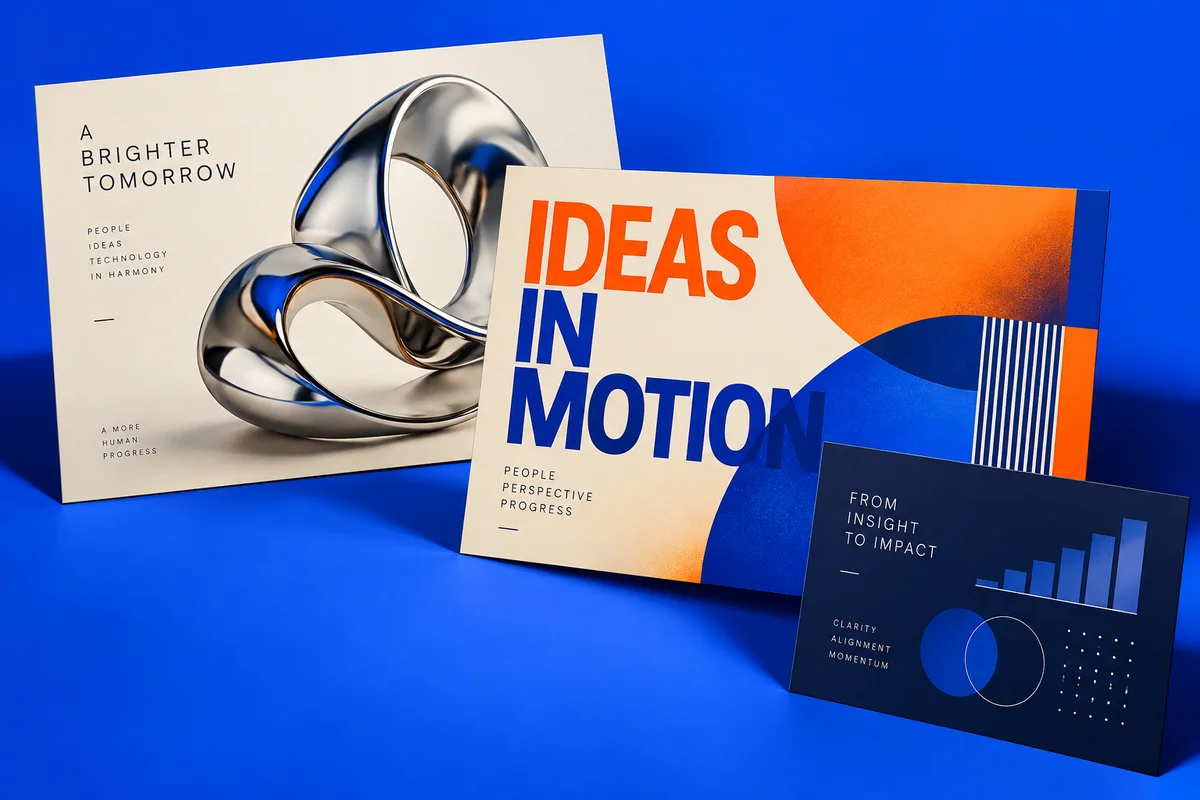
Build a presentation with editable titles and bullet points, then download a PowerPoint file. Turn your project outline, business proposal or client update into a deck you can keep refining.
Create a presentation ↗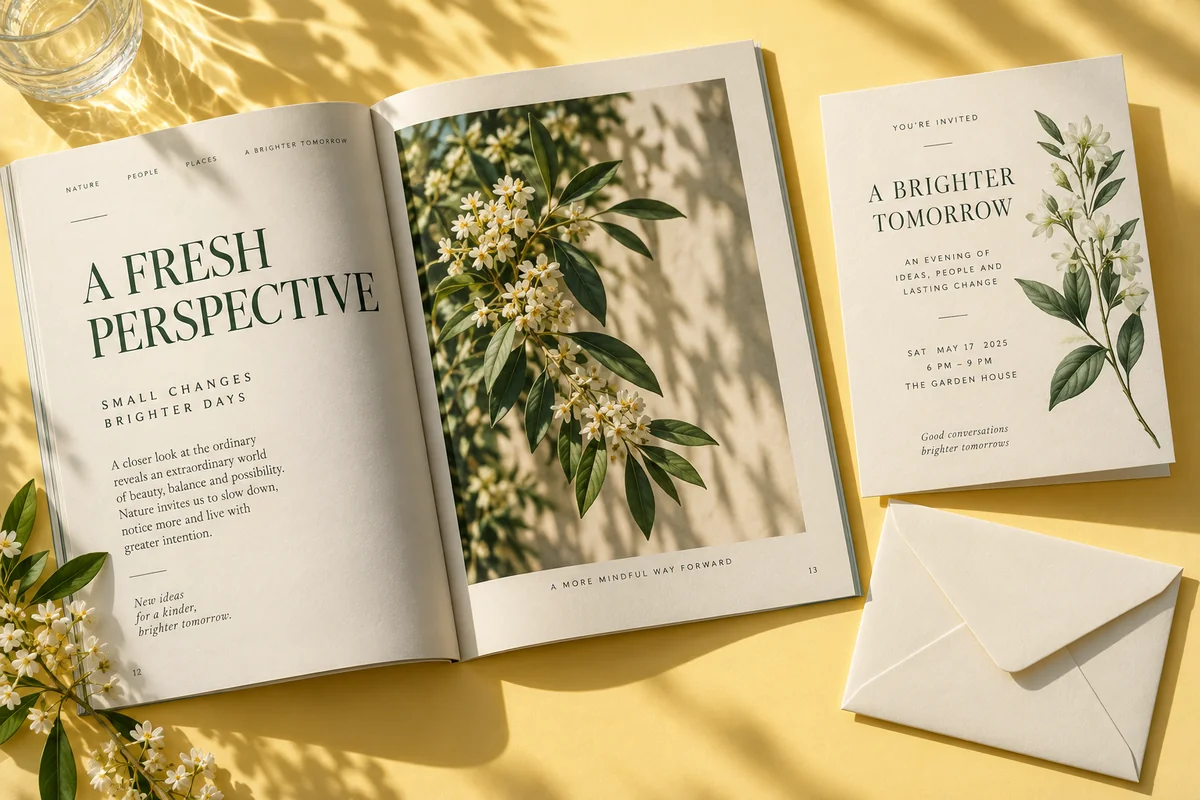
Write and format documents for your business, export Word-compatible files or PDFs, and use dedicated tools for resumes and invitations. Add annotations to PDF pages when you need to share feedback.
Create a document ↗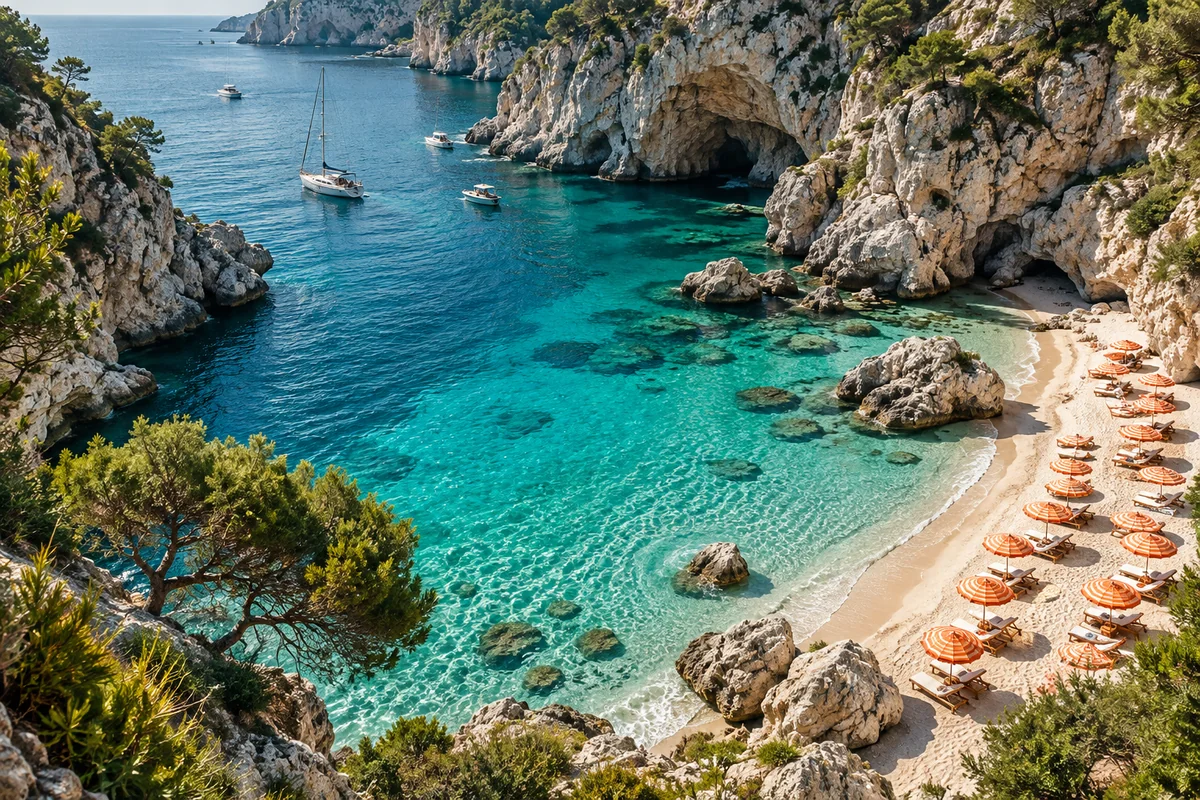
Search existing artwork and photography from Pexels and Unsplash for your next website or campaign. Explore stock imagery that fits your creative direction and choose the assets that support your message.
Find stock images ↗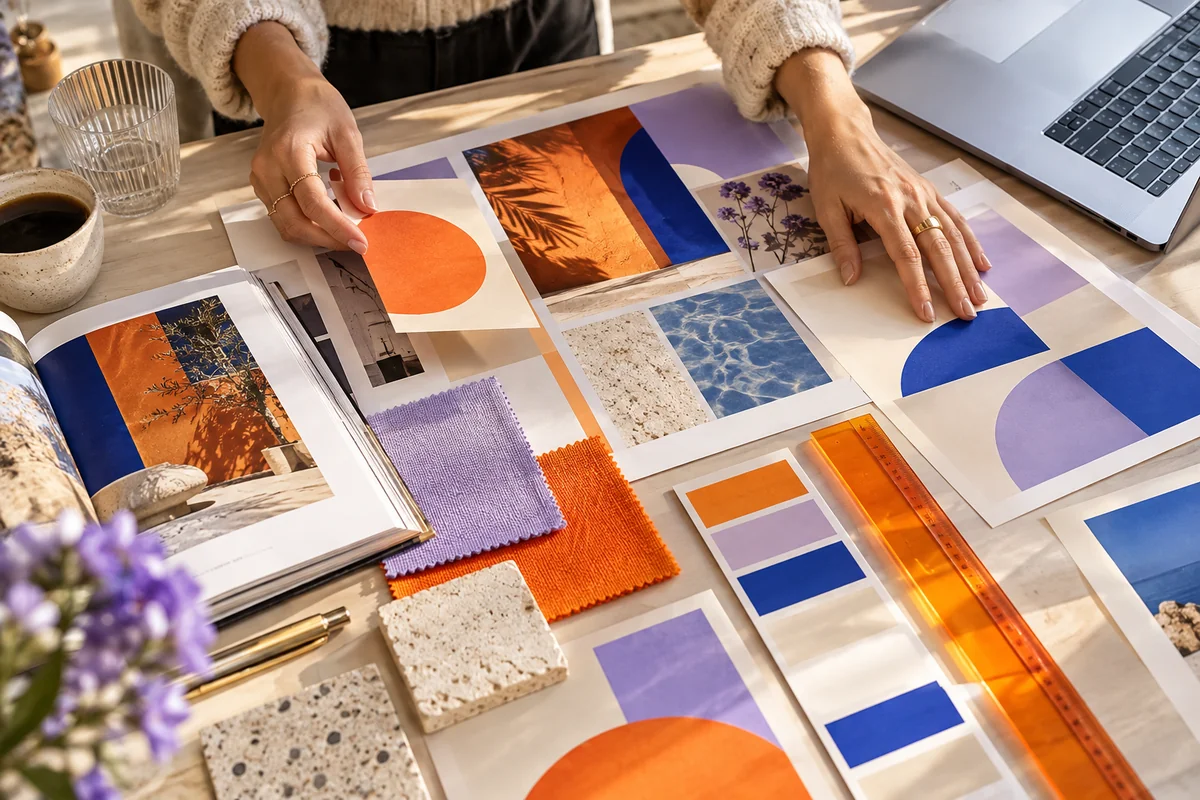
Bring your visual direction to AI-powered graphic design and content creation. Describe what you want, explore logo concepts and website ideas, then refine colors, typography and imagery with editing tools. Create brand assets and supporting content with your own creative judgment at the center.
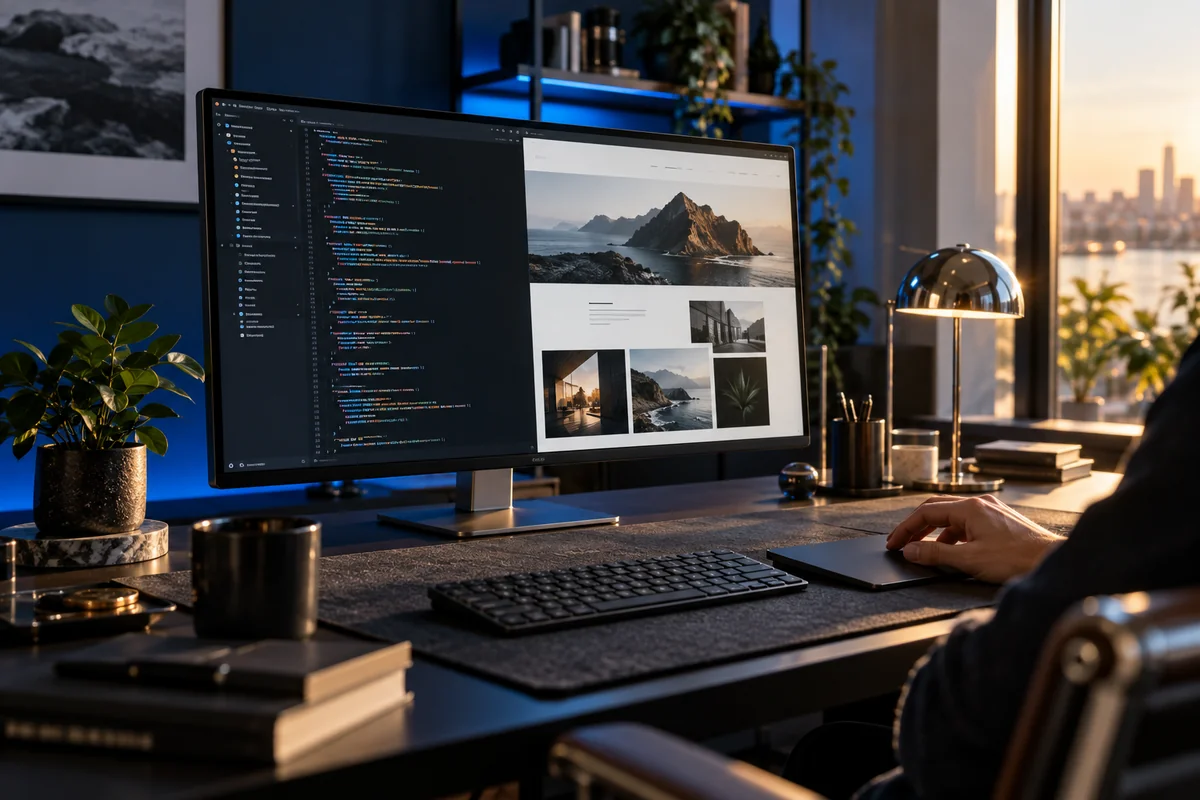
Move from a business brief to a website starting point with AI, or begin with a template. Refine pages in the visual editor, organize content and review responsive layouts. Pair your website work with branding, visual content and documents, then return to your projects from the Studio workspace.

Bring your strategy and design judgment to every brief. Create a logo, prepare visuals, put together a proposal and build the website. Choose the tools that help you deliver your next client project.

Take a client brief from brand assets to a website concept. Use creative tools for the supporting materials, generate a first website draft with AI and refine each project around the client’s goals.
Choose a template that fits your project, customize every detail and keep your website projects within reach in the Studio workspace.
YOUR NEXT PROJECT STARTS HERE. ✳Explore Studio plans, compare credits and limits, and choose what fits your creative workflow.
Compare Studio plans ↗WebsHigher Studio combines AI-powered graphic design and content creation with professional website building. Create branding, edit images and video, prepare presentations and documents, and build websites from an AI-generated draft or a template. It is designed for designers, developers, business owners, content creators, agencies and freelancers.
Design a logo, prepare images for social posts and campaigns, trim video clips, build a presentation, write a document, create a resume or make an invitation. Open the creative tools to choose the format that fits your project.
Describe what you want, including your brand, audience and preferred style. Explore logo ideas with the AI logo generator or create a first website draft with AI. Refine your direction with AI, then use the editing tools to adjust text, imagery, colors and layout. Prepare supporting content with the photo, video, presentation and document tools.
Designers can explore visual directions, shape brand assets and refine website layouts. Developers can use AI-generated drafts or templates as a project starting point, then work in the website editor to prepare and review pages. Both can create supporting content and return to website projects from the Studio dashboard.
The AI website builder generates an editable website starting point from your business description, and the AI logo generator helps you explore logo ideas. Other tools provide focused editing and export controls. The art and stock image finder searches existing photography and artwork; it does not generate new images.
Yes. Adjust photo brightness and color, crop, resize, convert formats and apply filters. Remove plain-color backgrounds or extend a canvas using blur or a solid color. Trim a local video and export a WebM clip, or annotate and rotate PDF pages.
Describe your business in the AI website builder or choose a website template. Customize the layout, copy, images and brand styling in the visual editor. Review your pages and responsive previews before publishing.
Yes. Download your finished assets from the creative tools, then upload the supported files to your website through the editor. You can also use those assets in your social posts, presentations and marketing materials.
Create brand assets and website concepts for a client, refine the design around their goals and return to client websites from the Studio dashboard. Choose the creative tools you need for each brief, from a logo to a complete website.
Visit Studio Pricing to compare the available plans, credits and limits. Check the details for the tools and website features you need before choosing a plan.
Describe what you want.
Refine it with AI and editing tools. Bring it to life with Studio.
