Start with a name
Give the idea a voice.
Type your company name and jump straight into a ready-to-customize canvas.
01
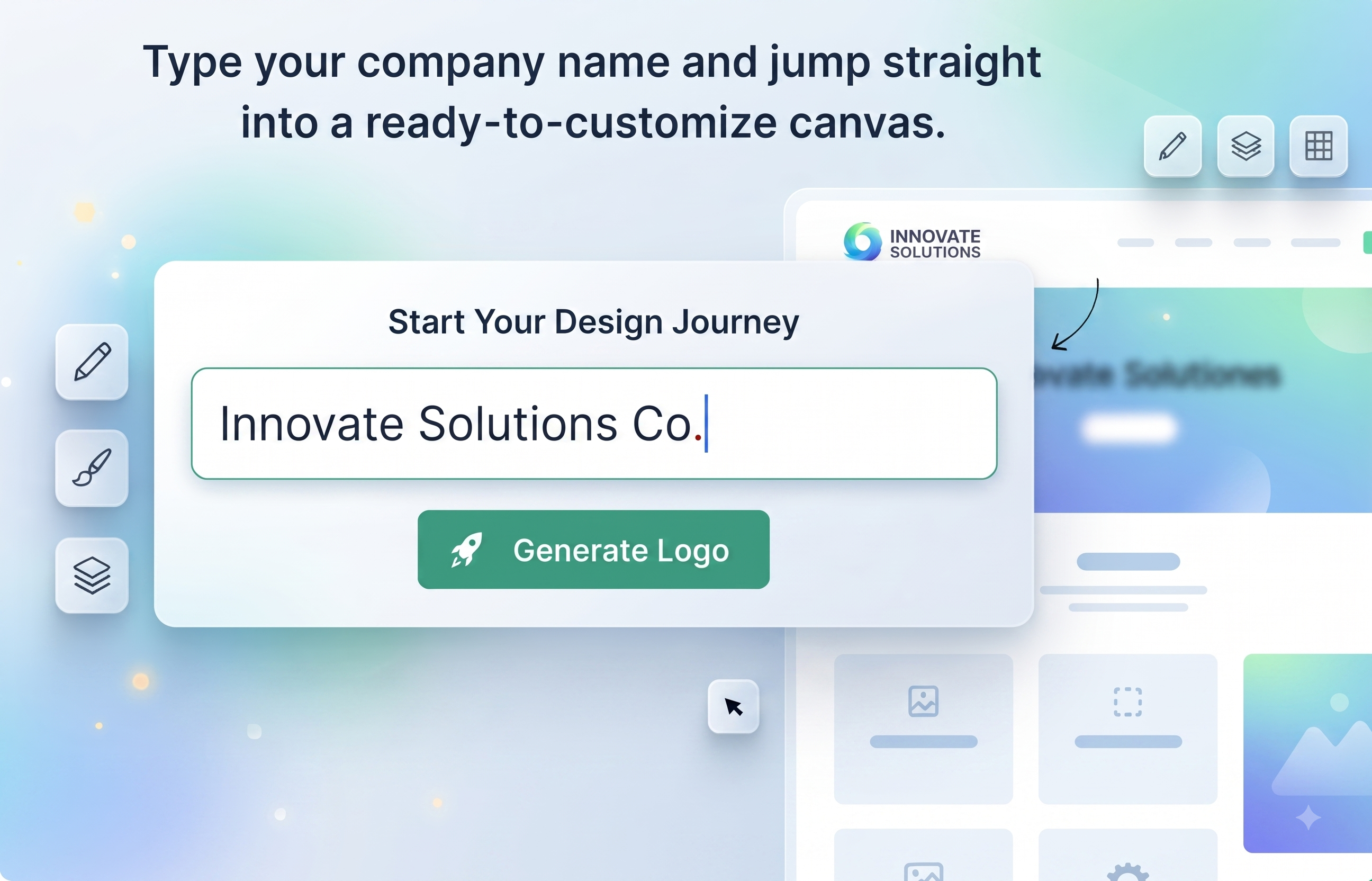
Enter your business name and start shaping a distinctive logo you can confidently take anywhere.
Follow the line as your idea becomes a flexible identity. Every step is free, live, and made to feel effortless.
Type your company name and jump straight into a ready-to-customize canvas.
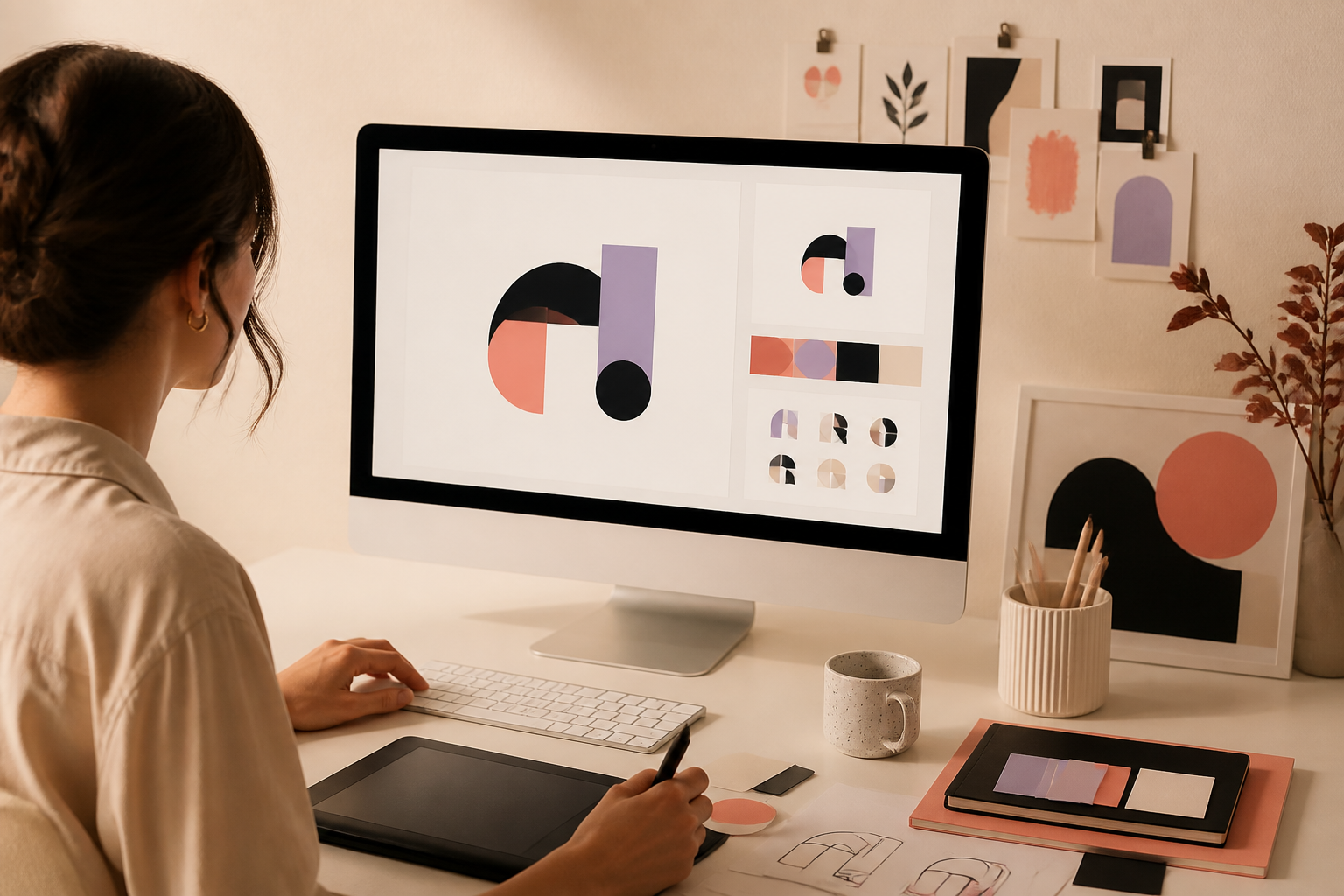
Move icons, tune type, and explore colors in real time until the identity feels unmistakably yours.
Export a crisp transparent PNG and put your new mark to work across every touchpoint.
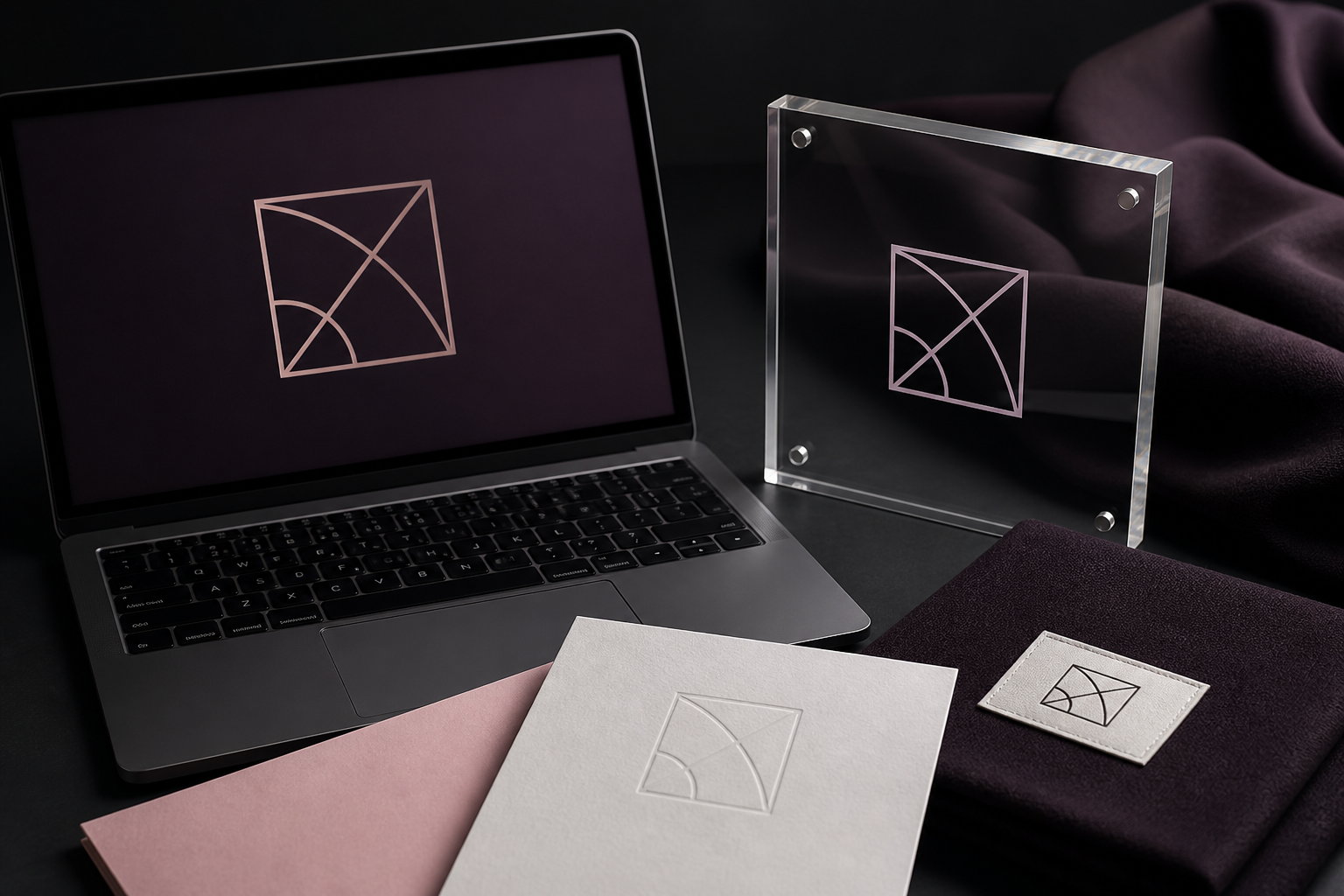
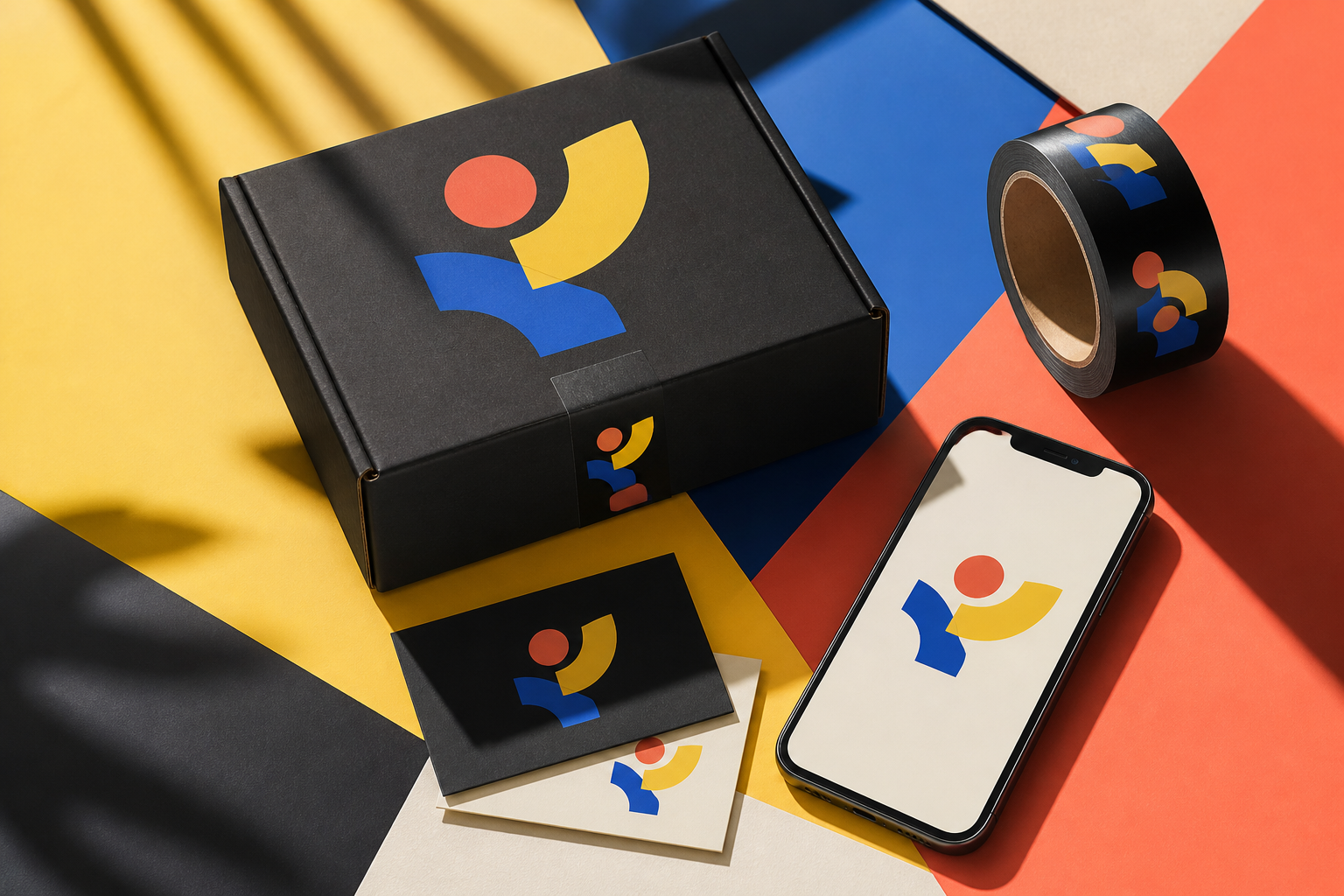
From a tiny favicon to a full storefront, build one clear and adaptable mark.
A memorable mark should still be recognizable at the size of your fingertip.
Choose a readable typeface, then use contrast to make the personality unmistakable.
Everything you need to know about creating, customizing, and downloading your professional logo.
Yes, the WebsHigher Logo Maker is completely free to use. You can design, customize, and export high-resolution PNG logos without any hidden costs or subscriptions.
No, you do not need to register. Downloads are completely direct and open. When you are done editing, just click the download button, and your image will save immediately.
Yes! Any logo you create is yours to use for commercial and personal purposes. You can publish it on websites, use it in digital marketing, print it on products, or register it as part of your brand identity.
By default, the "Transparent Background" setting is toggleable in the sidebar on the editor page. If checked, the exported PNG logo will have a transparent alpha channel, meaning it will blend perfectly onto any colored background.
Enter the name customers should recognize on your logo. You can use your registered business name, brand name, product name, or personal name if you are creating a personal brand.
Yes. The company name is only a starting point. You can edit the wording, typography, size, color, and placement inside the logo editor before downloading your final design.
No. A slogan is optional. Keep the logo focused on your company name when simplicity is important, or add a short tagline when it helps explain what your business offers.
